MLflow⚓︎
Links to external documentation
MLflow is a platform to streamline machine learning development, including experiment tracking, model registry, and model deployment. prokube provides a centralized MLflow instance with OIDC authentication and multi-user support.
Accessing MLflow⚓︎
Web Interface⚓︎
MLflow is accessible through the Central Dashboard or directly at:
https://<your-prokube-domain>/mlflow/
When you first access MLflow, you'll see the Keycloak login page:
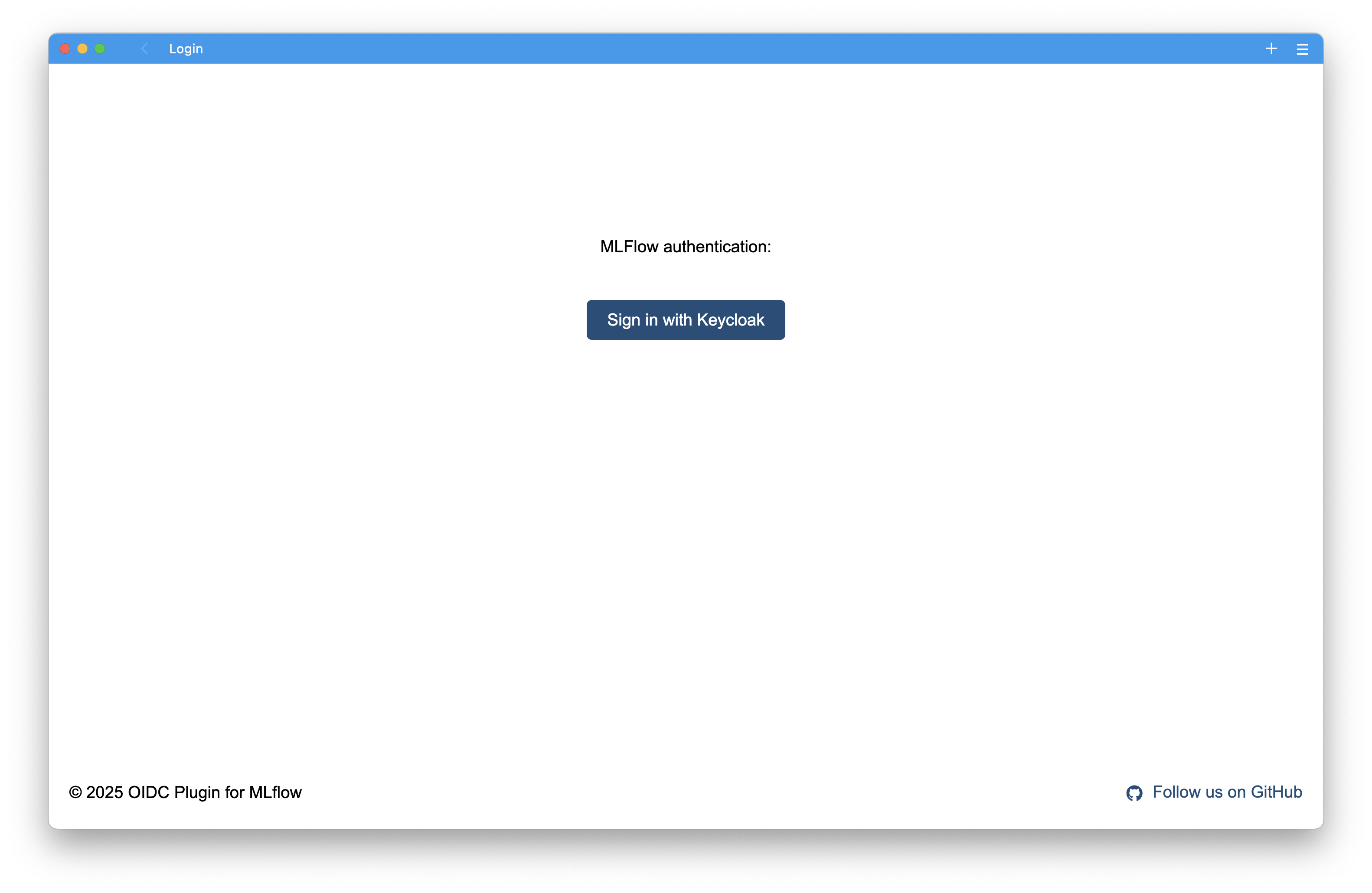
Click "Log in with Keycloak" to authenticate using your prokube credentials.
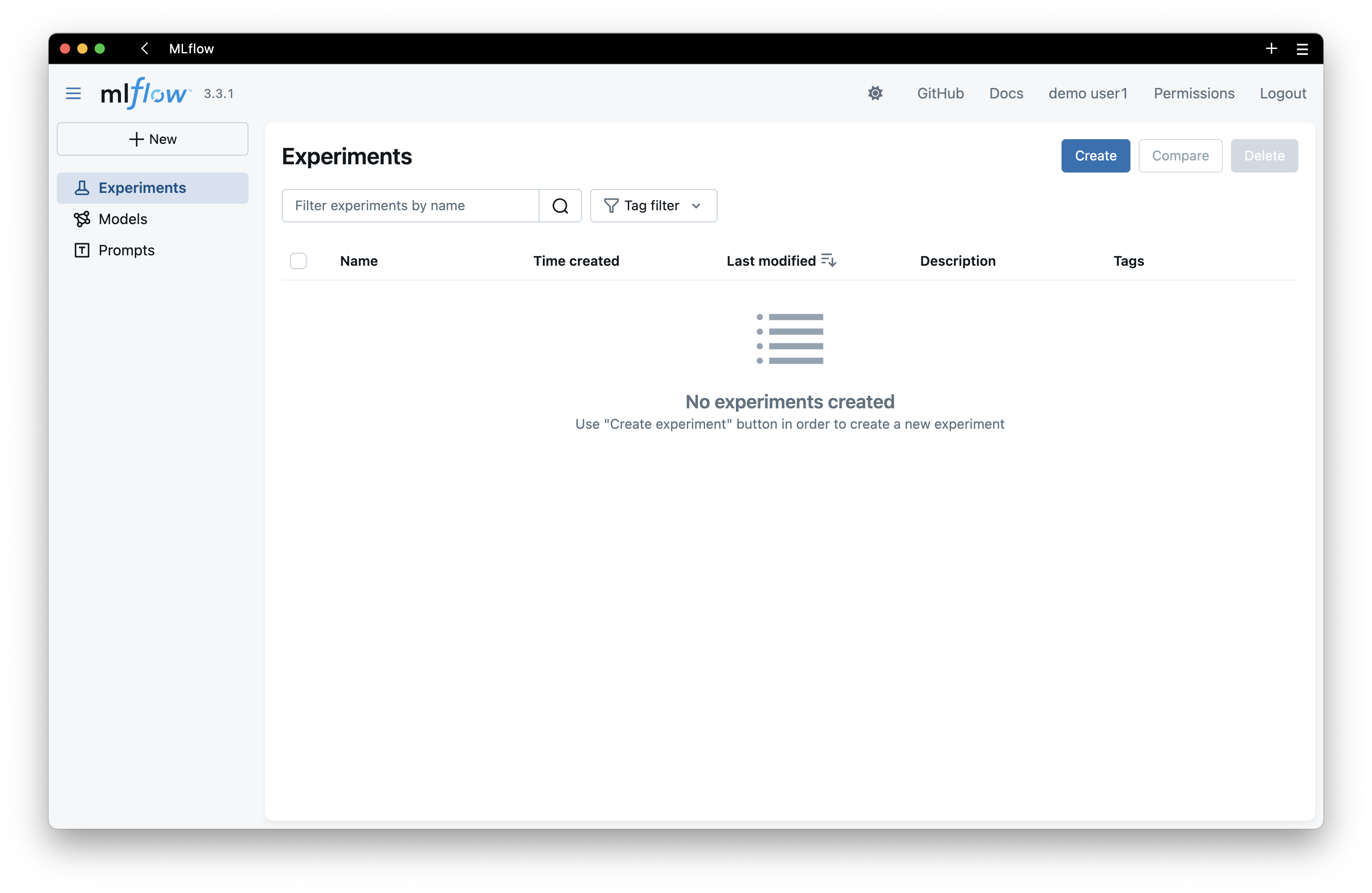
MLflow Dashboard⚓︎
After logging in, you'll see the MLflow dashboard where you can:
- Track experiments and runs
- Compare model metrics
- Register and manage models
- View artifacts and visualizations
Authentication for Programmatic Access⚓︎
To use MLflow from notebooks, pipelines, or external applications, you need to create a Personal Access Token (PAT).
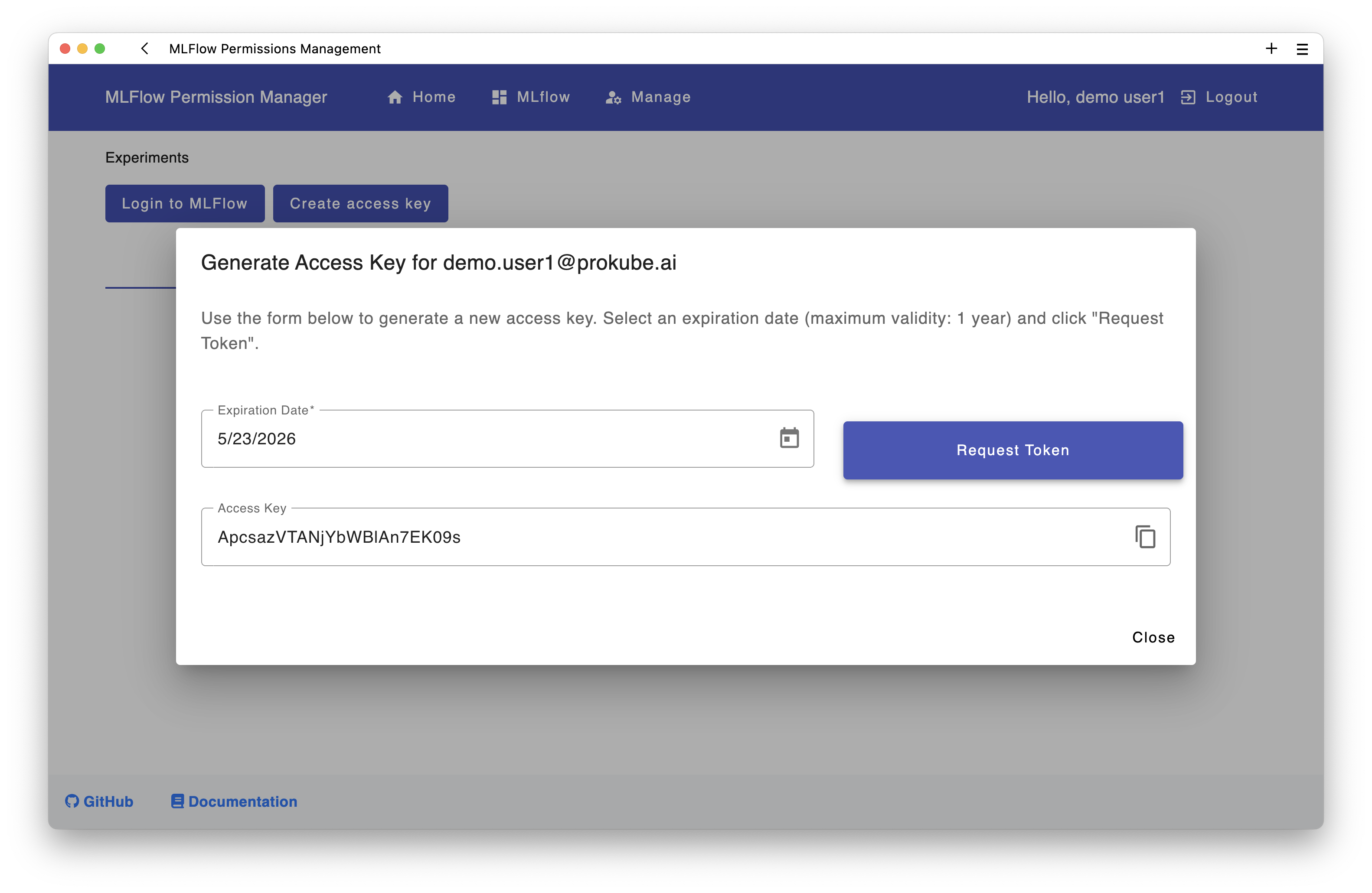
Creating a Personal Access Token⚓︎
- Navigate to the Permissions page in MLflow
- Click on "Create access key" button
- Set an expiration date (max 1 year)
- Copy the generated token immediately - you won't be able to see it again!
Tip
To invalidate or revoke an existing token for a user, generate a new one in the UI. A user can have only one active PAT.
Using the Token⚓︎
Set the following environment variables in your notebook or application:
import os

os.environ['MLFLOW_TRACKING_URI'] = 'https://<your-prokube-domain>/mlflow/'
os.environ['MLFLOW_TRACKING_USERNAME'] = 'your-email@example.com'
os.environ['MLFLOW_TRACKING_PASSWORD'] = 'your-personal-access-token'
After setting these variables, you can use MLflow normally:
import mlflow

# Set experiment
mlflow.set_experiment("my-experiment")

# Start a run
with mlflow.start_run():
    mlflow.log_param("learning_rate", 0.01)
    mlflow.log_metric("accuracy", 0.95)
    mlflow.sklearn.log_model(model, "model")
For a complete example notebook, see the MLflow quickstart example.
Examples in prokube Notebooks
The kubeflow-examples repository is automatically cloned into prokube notebooks on startup. You can find the examples in the kubeflow-examples directory.
Multi-User Considerations⚓︎
Permissions⚓︎
Default Behavior:
- You automatically have MANAGE permissions on resources you create (experiments, prompts, models)
- By default, no other user has access to your resources
- Team-based permissions can be configured by admins
User Groups:
- prokube users: Can create and manage their own experiments, prompts, and models
- prokube admins: Can see and manage all resources, create service accounts, and manage permissions for all users
Globally Unique Names⚓︎
Experiments, prompts, and models must have globally unique names across all users.
Permission Errors
If you try to create an experiment, prompt, or model with a name that already exists, you'll get a permission error. You have two options:
- Choose a different name - Use team prefixes for better organization (e.g.,
teamname-my-experiment) - Request access - Ask the MLflow admin to grant you permissions to the existing resource
Using MLflow with Kubeflow Pipelines⚓︎
To use MLflow in Kubeflow Pipelines, you need to pass your credentials to the pipeline components. The recommended approach is using Kubernetes secrets:
-
Create a Kubernetes Secret with your MLflow credentials:
kubectl create secret generic mlflow-credentials \ --from-literal=MLFLOW_TRACKING_URI='https://<your-prokube-domain>/mlflow/' \ --from-literal=MLFLOW_TRACKING_USERNAME='your-email@example.com' \ --from-literal=MLFLOW_TRACKING_PASSWORD='your-personal-access-token' -
Use the secret in your pipeline with the Kubeflow Pipelines Kubernetes SDK:
from kfp import dsl
from kfp import kubernetes
from typing import List

def add_mlflow_env_vars_to_tasks(task_list: List[dsl.PipelineTask]) -> None:
    """Adds MLflow credentials to pipeline tasks from Kubernetes secret"""
    for task in task_list:
        kubernetes.use_secret_as_env(
            task,
            secret_name="mlflow-credentials",
            secret_key_to_env={
                "MLFLOW_TRACKING_URI": "MLFLOW_TRACKING_URI",
                "MLFLOW_TRACKING_USERNAME": "MLFLOW_TRACKING_USERNAME",
                "MLFLOW_TRACKING_PASSWORD": "MLFLOW_TRACKING_PASSWORD",
            }
        )
For a complete example, see the MLflow KFP example notebook.
Examples in prokube Notebooks
The kubeflow-examples repository is automatically cloned into prokube notebooks on startup. You can find the examples in the kubeflow-examples directory.
Deploying MLflow models with KServe⚓︎
prokube supports deploying models from MLflow with KServe without exposing S3/MinIO credentials to user namespaces.
Instead of giving every namespace direct access to the artifact store, KServe can use an MLflow-aware storage initializer that downloads artifacts via the MLflow API using your MLflow credentials. This maintains namespace isolation and respects MLflow permissions.
Cluster feature
This section assumes your prokube cluster has the MLflow KServe storage initializer enabled (so that mlflow://... URIs work in KServe). If mlflow:// URIs do not work in your cluster, contact your platform admin.
1) Create the MLflow credentials secret in your namespace⚓︎
Create the secret in the namespace where your InferenceService will run:
kubectl create secret generic mlflow-credentials -n <your-namespace> \
  --from-literal=MLFLOW_TRACKING_URI='https://<your-prokube-domain>/mlflow/' \
  --from-literal=MLFLOW_TRACKING_USERNAME='your-email@example.com' \
  --from-literal=MLFLOW_TRACKING_PASSWORD='your-personal-access-token'
2) Reference an MLflow model in your InferenceService⚓︎
Use a storageUri starting with mlflow://.
Example using the Model Registry:
apiVersion: serving.kserve.io/v1beta1
kind: InferenceService
metadata:
  name: model-from-mlflow
  namespace: <your-namespace>
spec:
  predictor:
    model:
      modelFormat:
        name: sklearn
      storageUri: mlflow://models/fraud-detector/production
      # alternatives:
      # storageUri: mlflow://models/fraud-detector/3
      # storageUri: mlflow://models/fraud-detector/latest
      # storageUri: mlflow://models/fraud-detector/staging
Example using run artifacts:
apiVersion: serving.kserve.io/v1beta1
kind: InferenceService
metadata:
  name: model-from-mlflow-run
  namespace: <your-namespace>
spec:
  predictor:
    model:
      modelFormat:
        name: sklearn
      storageUri: mlflow://runs/<run-id>/artifacts/model
      # shorthand (without 'artifacts/'):
      # storageUri: mlflow://runs/<run-id>/model
Supported mlflow:// URI formats⚓︎
# Model Registry
mlflow://models/<model-name>/<version>        # e.g., mlflow://models/fraud-detector/3
mlflow://models/<model-name>/latest           # Latest version
mlflow://models/<model-name>/staging          # Staging stage
mlflow://models/<model-name>/production       # Production stage

# Run Artifacts
mlflow://runs/<run-id>/artifacts/<path>       # e.g., mlflow://runs/abc123/artifacts/model
mlflow://runs/<run-id>/<path>                 # Shorthand without 'artifacts/'
Best Practices⚓︎
- Token Security: Never commit tokens to version control. Use Kubernetes secrets or environment variables
- Experiment Naming: Use descriptive names and consider team prefixes for organization
- Model Registry: Agree on naming conventions with your team before registering models
- Artifact Storage: All artifacts are automatically stored in MinIO (S3-compatible storage)