Getting Started with a Fresh Deployment⚓︎
After installation, you should be able to log into prokube by pointing your
browser to the domain you configured during installation (e.g. https://prokube.yourdomain.tld).
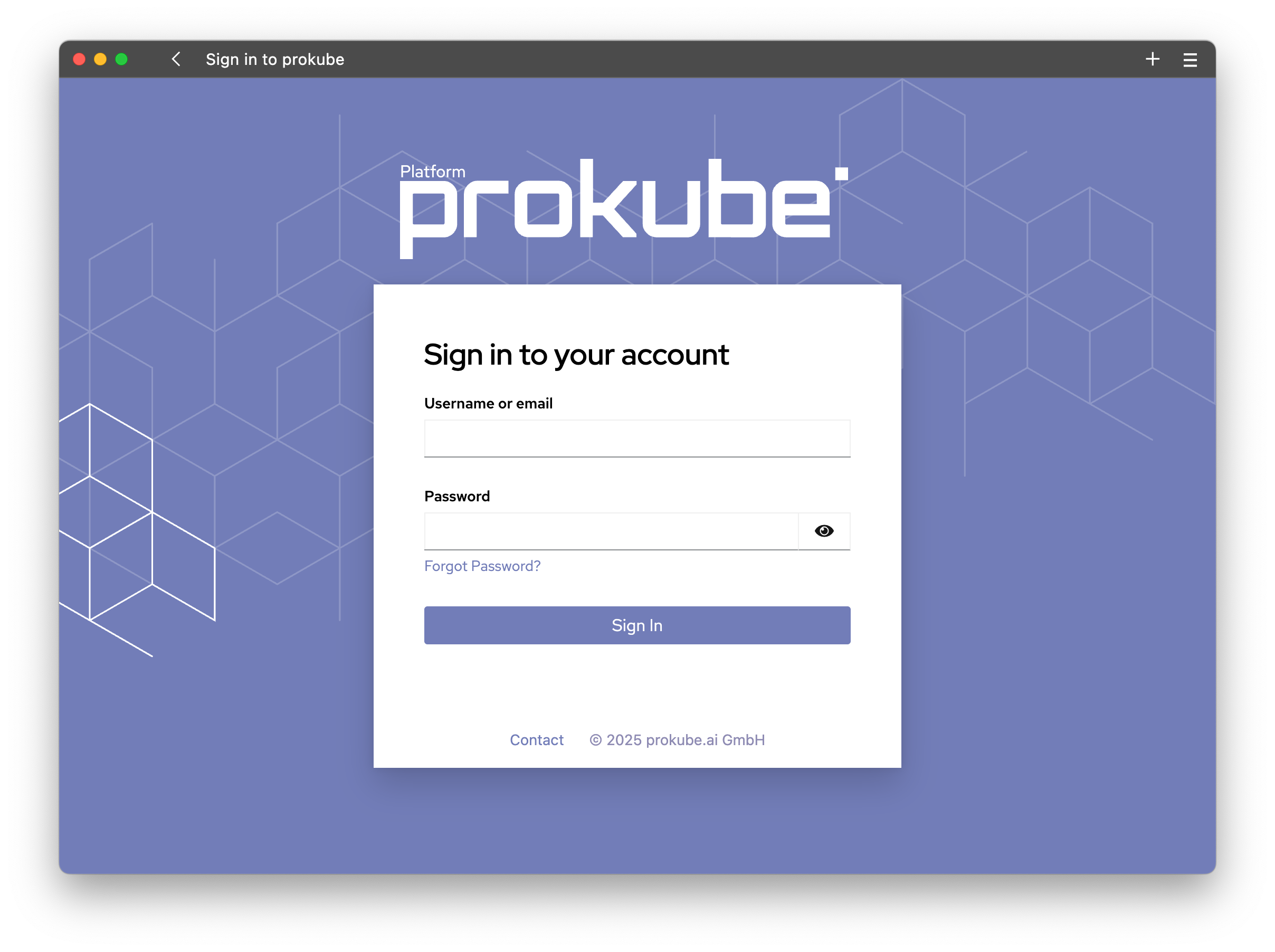
Every prokube instance comes with a default demo user with the email
demo.user@prokube.cloud. The password for this user is stored in a secret
keycloak-secrets in the iam namespace under the key
PROKUBE_DEFAULT_USER_PASSWORD. You can retrieve the password with the following command:
kubectl get secret keycloak-secrets -n iam -o jsonpath='{.data.PROKUBE_DEFAULT_USER_PASSWORD}' | base64 --decode
You can use this user to log in and explore the platform.
See Configure IAM for more information on how to get started with configuring users and their access to the prokube platform.